Call 1800 304 336 for FREE Advice
Call 1800 304 336 Today for FREE Advice
This pre-written Suspended Waste Pipe Installation SWMS template gives you a compliant, ready-to-use document you can put to work today. It is supp...
View full detailsSwitchboards installation is classified as High Risk Construction Work (HRCW) under Schedule 3 of the Model Work Health and Safety Regulations, as ...
View full detailsInstallation of switchboard connections is classified as High Risk Construction Work (HRCW) under Schedule 3 of the Model Work Health and Safety Re...
View full detailsWorking on switchboards is classified as High Risk Construction Work (HRCW) under Schedule 3 of the Model Work Health and Safety Regulations, as it...
View full detailsThis pre-written SWMS Register template gives you a compliant, ready-to-use document you can put to work today. It is supplied via instant downloa...
View full detailsThis 7 page SWMS Template is supplied via instant download in fully editable Microsoft Word format and provides the structure of a compliant SWMS t...
View full detailsThis Safe Work Method Statement (SWMS) Templates Starter Pack is supplied via instant download in fully editable Microsoft Word format and include...
View full detailsThis pre-written Take 5 Pre-Start Checklist template gives you a compliant, ready-to-use document you can put to work today. It is supplied via in...
View full detailsThis pre-written Television (TV) Point Installation SWMS template gives you a compliant, ready-to-use document you can put to work today. It is sup...
View full detailsThis pre-written Test and Tag Electrical Tools and Appliances SWMS template gives you a compliant, ready-to-use document you can put to work today....
View full detailsTesting for de-energised electrical conductors is classified as High Risk Construction Work (HRCW) under Schedule 3 of the Model Work Health and Sa...
View full detailsThis pre-written Tungsten Inert Gas (TIG) Welder SWMS template gives you a compliant, ready-to-use document you can put to work today. It is suppli...
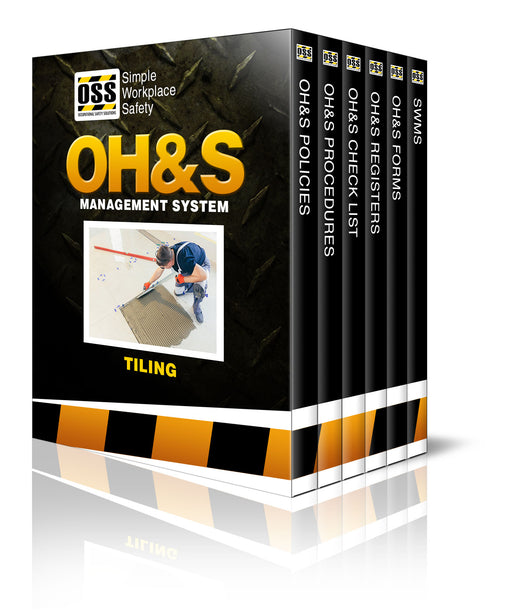
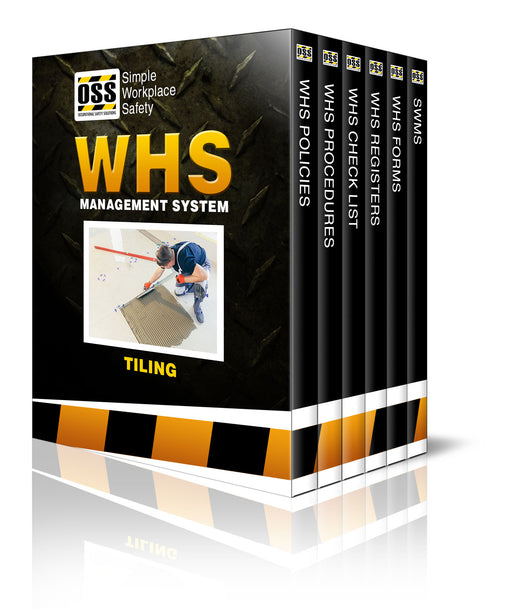
View full detailsThe Complete OH&S Solution Built for Tiling Businesses The Tiling OH&S Management System & SWMS Pack is the complete OH&S complia...
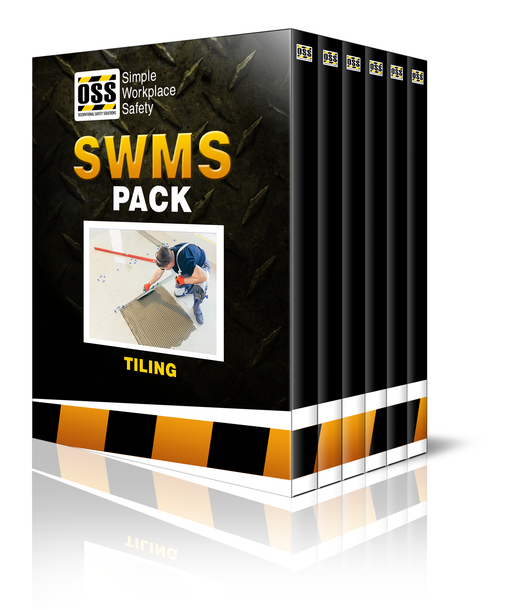
View full details23 Tiling SWMS templates. Simple and compliant. Ready to download, sign off, and get on site. If you're a tiler, or tiling business who needs SWMS ...
View full detailsThe Complete WHS Solution Built for Tiling Businesses The Tiling WHS Management System & SWMS Pack is the complete WHS compliance solution. I...
View full detailsThis pre-written Wall and Floor Tiling SWMS template gives you a compliant, ready-to-use document you can put to work today. It is supplied via ins...
View full detailsThis pre-written Tool and Equipment Repair Register template gives you a compliant, ready-to-use document you can put to work today. It is supplie...
View full detailsThis pre-written Toolbox or Pre-Start Talks Form template gives you a compliant, ready-to-use document you can put to work today. It is supplied v...
View full detailsThese Toolbox or Pre-Start Talks - Topic Guidelines provides extensive information on typical construction-based safety topics which can be discuss...
View full detailsThis pre-written Toolbox or Pre-Start Talks - Topics Register template gives you a compliant, ready-to-use document you can put to work today. It i...
View full detailsConducting Toolbox Talks and WHS/OH&S Meetings is a critical component of workplace consultation. Seeking the participation of workers and giv...
View full detailsThis pre-written Worker Tools and Equipment Register template gives you a compliant, ready-to-use document you can put to work today. It is suppli...
View full detailsThis pre-written Tractor and Slasher SWMS template gives you a compliant, ready-to-use document you can put to work today. It is supplied via insta...
View full detailsThis pre-written Traffic Incident Report Form template gives you a compliant, ready-to-use document you can use in your business today. It is supp...
View full detailsYou have copied the placement for the Product Page.
Go back to the App Embeds section, and in the Paypal Advanced Settings, paste the copied value into the Product Page field and click the 'Save' button in the top right corner.